
 Left Navigation Menu












Discover Key Activities with Services Preview
Overview
The Services Preview section is a revolving carousel of photos with useful links to resources and information to help you plan and execute a strategy designed to meet your career goals. Here, you can find information on jobs, employers, education and training opportunities, financial planning, and more.
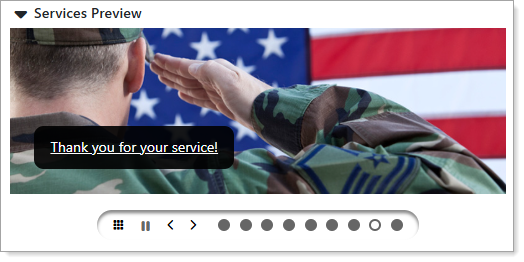
My Dashboard – Services Preview Section
Where to Find This Feature
-
My Dashboard > Services Preview section
Steps to Use the Services Preview
From the Services Preview section, you can perform the following:
-
Select an option – Select the link on any of the photos to navigate to the information resource; for example, selecting the Find a Great Job Today link displays jobs in your area that match your desired occupation.
-
Use the carousel controls – You can use the carousel control icons to pause the rotation, page left and right, select a panel directly, and to display all of the panels at once in a grid on the page.
-
Collapse the section – Select the arrow next to the section title to collapse or expand the Services Preview section as needed.