
 Left Navigation Menu












My Resources
Overview
The My Resources tab provides links to system features that you may use on a regular basis, such as messages, your profile, appointments, and events.
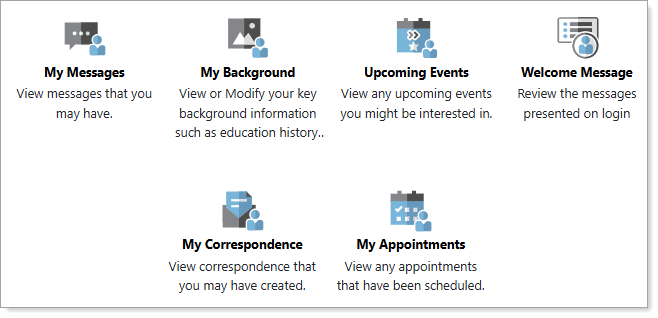
My Resources Tab Menu Options
Where to Find This Feature
-
My Dashboard > My Resources tab
-
Left navigation menu > My Individual Workspace > My Resources
About My Resources
The My Resources tab provides options to allow you to quickly access the latest status of frequently changing key information items, including the following:
-
My Messages– Displays the Messages tab of your Communications profile. See Manage Your Messages and Letters for details.
-
My Background– Displays the Background tab of your Personal Profile. See Manage Your Background Information for details.
-
Upcoming Events– Displays the Calendar of Events page where you can search for upcoming events, such as job fairs, workshops, group meetings, and more. See Manage Your Appointment and Event Calendars for details.
-
Welcome Message– Displays the opening pop-up messages you see upon logging in to the system.
-
My Correspondence– Displays the Letter Center where you can create and manage letters you can use in the system (e.g., a cover letter you can use for job applications). See Manage Your Messages and Letters for details.
-
My Appointments – Displays your Appointment Calendar, where you can request and add appointments. See Manage Your Appointment and Event Calendars for details.